Myrtle Beach Webcam Reviews – Scope Out the Scene for your Vacation!
Written By: Paul HanakNovember 7th, 2008
Webcams, webcams webcams! Plenty to choose from in Myrtle Beach and North Myrtle Beach. Some good, some bad. The most popular are the ones overlooking the beach. These are usually attached to Myrtle Beach condos up high so they get the best view. We have visited and rated the most popular! Which will YOU spend the most time at?
Ocean Creek Resort ![]()
http://www.oceancreek.com/webcam.cfm
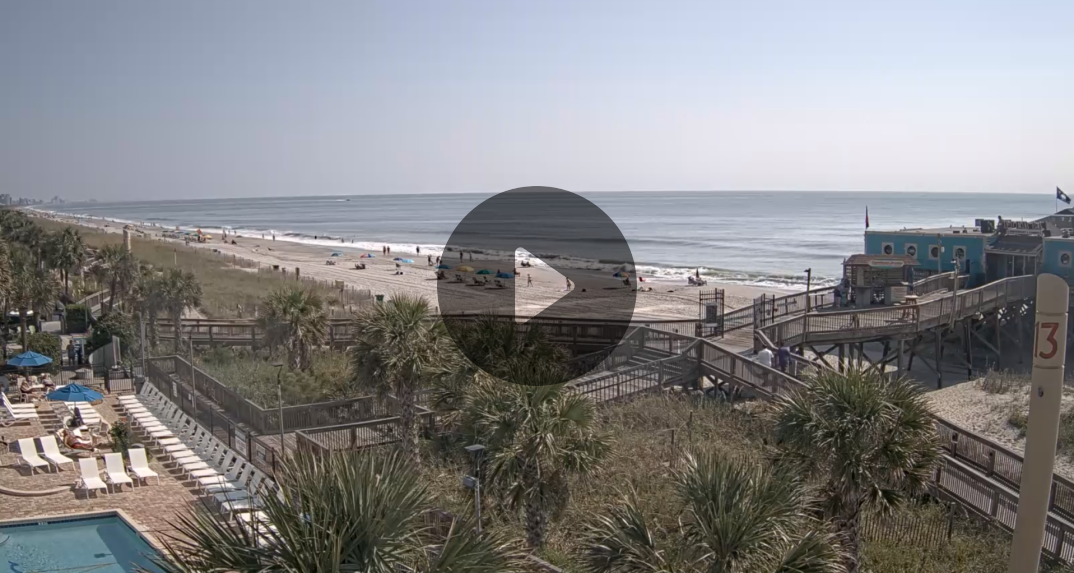
This webcam gives three different views to choose from–the resort pool, a distant shot of the beach, and the walkway across the marsh to the beach. However, the “camera” aspect of this one leaves much to be desired, since the images are still and don’t refresh unless the visitor refreshes their browser. These three views might be good for checking the weather or how crowded the resort pool is, but it quickly loses its interest value.
Crown Reef Resort ![]()
![]()
![]()
http://www.crownreef.com/ (Click on WEBCAM on the left)
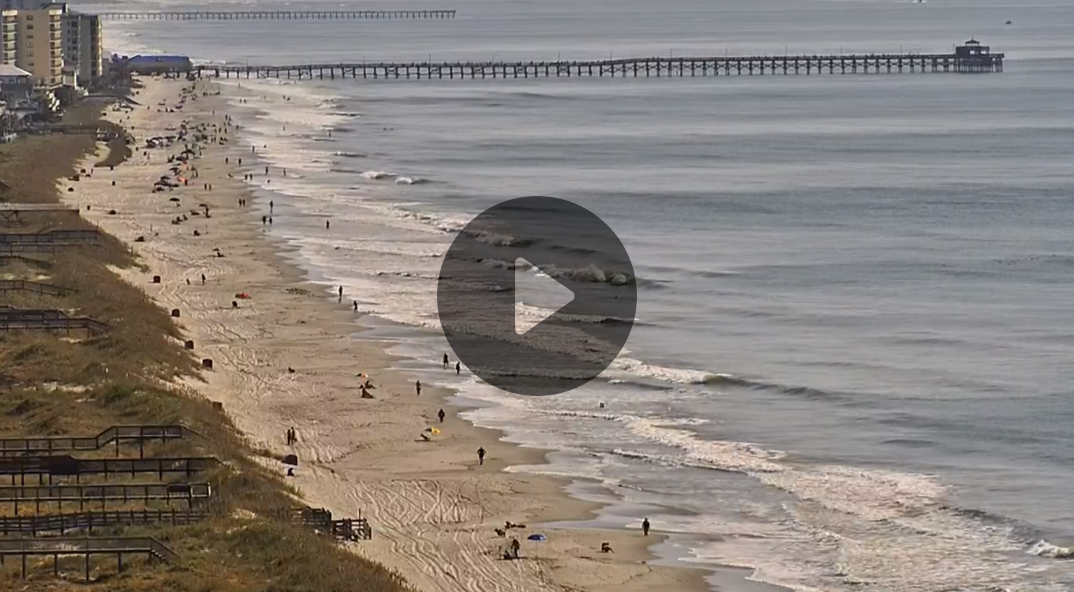
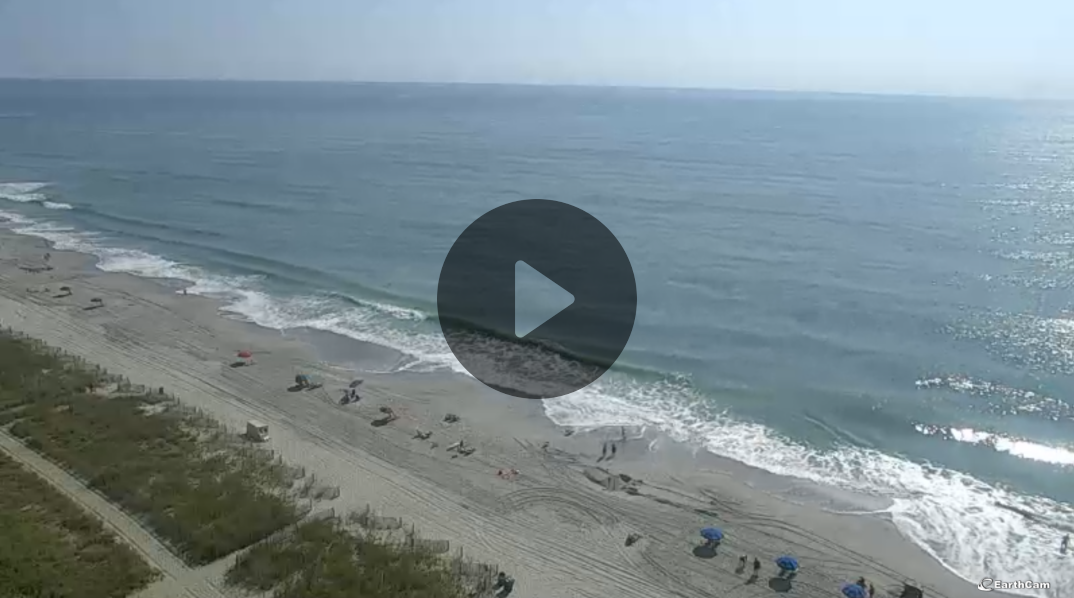
Crown Reef’s beach webcam gives a more interesting angle, from high above the beach angled down the shoreline. A few miles’ worth of beach is visible in the viewing window, along with the ocean, some of Crown Reef’s outdoor amenities, and a more distant view of Springmaid Pier. The image is still but automatically refreshes about every twenty seconds. This webcam would be great to use for a quick overview of how crowded the beach is and the tide level.
Grande Shores ![]()
![]()
![]()
![]()
http://www.grandeshores.com/grandeshoreswebcam.cfm
The Grande Shores webcam is sophisticated and interactive with a live streaming image. When the viewer chooses one of the camera presets, the camera rotates and zooms to a certain area, giving multiple views of the beach and the resort property. Options include a northward view along the beach, a southern view, two different close looks at the beach itself, a few different views of the pool and lounge area, and a view for watching the sun rise over the ocean. The image is very crisp and clear.
Beach Cove Beach Cam ![]()
![]()
http://www.beachcove.com/webcam.cfm
This beach webcam gives a good view of the resort’s pool, beach, ocean and sky all in one frame. It’s a still image which automatically refreshes every eight seconds. Since it does show a good portion of the sky, this webcam would be good for checking the weather in Myrtle Beach and watching the run rise.
Avista ![]()
![]()
![]()
![]()
http://mail.seasideproperties.com/avwebcam2.shtml
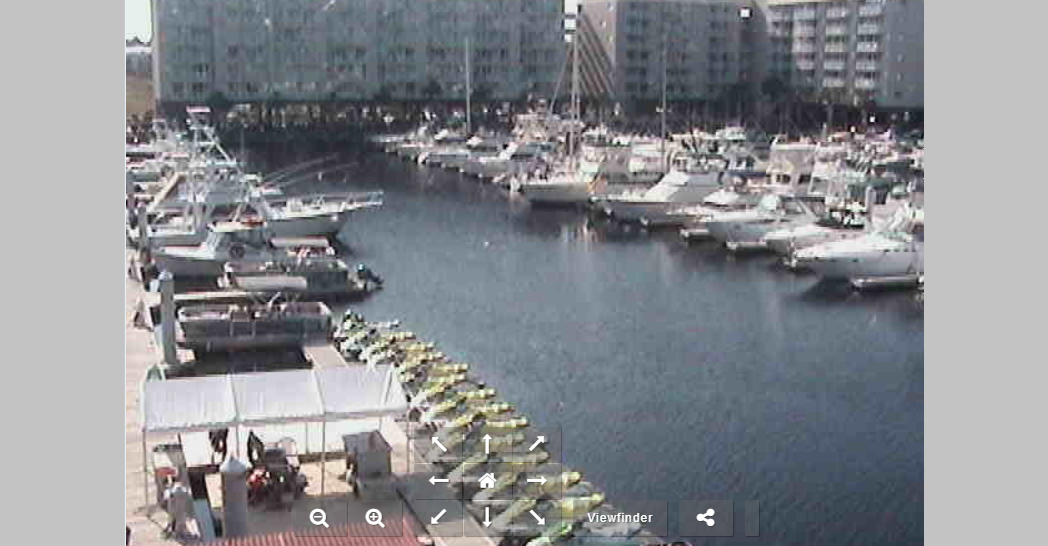
The Avista webcam works in much the same way as the Grande Shores webcam, since they seem to be run on the same type of software. Visitors are able to choose from several different views and the camera will rotate and zoom accordingly. Multiple views of the swimming pools, lazy rivers, and resort property are available, but there are only two views of the beach and ocean. There is an option to control the camera movement without presets, but the controls can be hard to use. Despite its drawbacks, it’s a fun camera to use for a while.
Pier 14 ![]()
![]()
http://www.pier14.com/earthcam.html
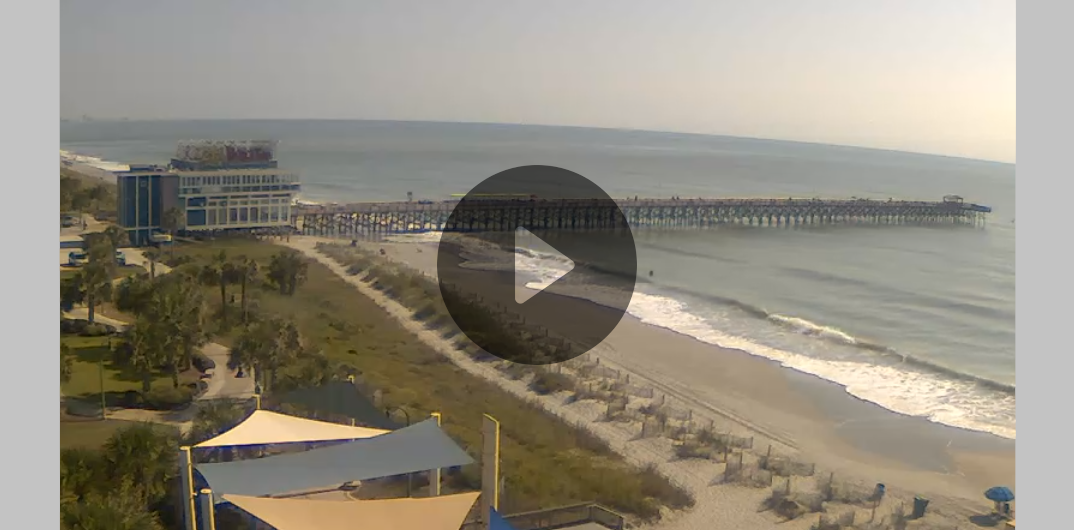
The Pier 14 Restaurant webcam gives a view down the beach and of the nearby 14th Avenue Pier. The image refreshes about every two or three seconds. This section of beach looks like a busy one, so it would be fun especially during the summer months to watch all the people enjoying the beach and ocean. The only problem with this webcam is that it has very poor quality. A sunny day looks grey and overcast on this one, so use another if you want to see a good view of the weather.
Ocean Lakes Web Cam ![]()
http://64.70.203.29/Web_Cam/webcam_SH.html
Unlike the previous webcams, this one does not show a view of the beach or ocean, but instead shows the pool and lounge area at Ocean Lakes Family Campground. It has a still image which refreshes every few seconds. Aside from the drawback of not showing the ocean, this webcam may be useful for parents staying at the campground to keep watch on their kids swimming in the pool.
Blackmoor Webcam ![]()
http://www.blackmoor.com/webcam/
Like the Ocean Lakes webcam, this one is not a view of the beach or ocean, but instead shows the course at Blackmoor Golf Club. It has a still image which refreshes about every twenty seconds so it doesn’t stream live, but it can be useful for golfers who want to check out the condition of the area golf courses in Myrtle Beach.
SCDOT Traffic Cams ![]()
![]()
![]()
http://www.dot.state.sc.us/getting/cams/MyrtleBeachCam.asp
The Department of Transportation hosts multiple traffic cams through the Grand Strand area on most major transportation routes. Cameras show a view of major intersections from slightly above. It can sometimes be hard to judge the level of traffic from this angle, but it can be very useful for both locals and visitors to check the traffic levels along different streets to see which routes to avoid. The cameras do not automatically refresh.


November 12th, 2008
i didn’t know there were so many webcams in the myrtle beach area!
November 17th, 2008
That Avista and Grande Shores ones are pretty cool! Especially since you can control them. The beach is kinda empty now, which makes me wonder how many people use the webcam during the summer to people watch. haha.